Imagine a home that responds to your voice, adjusts to your schedule, and enhances your comfort. That’s the beauty of a smart home! With 45% of American households already owning at least one smart device, it’s clear that many people enjoy the convenience and efficiency these technologies offer.
Now, you might worry about the complexity and cost of setting up a smart home. You’re not alone! Many consumers share these concerns. In fact, over half of potential buyers cite cost as a major barrier, while others worry about security risks. But don’t let that discourage you! Starting your smart home journey can be simple and rewarding, making your life easier one device at a time. This Comprehensive Guide will help you navigate the process, ensuring you make informed decisions every step of the way.
Key Takeaways
Assess your smart home needs before starting. Identify what you want to automate, such as security or energy efficiency.
Choose essential smart devices like lighting, security systems, and thermostats to create a solid foundation for your smart home.
Select a smart home hub that connects your devices and supports voice automation for easier management.
Follow best practices for security, such as changing default passwords and keeping devices updated to protect your smart home.
Expand your smart home gradually. Start with a few devices and add more as you become comfortable with the technology.
Smart Home Basics
Assessing Your Needs
Before diving into the world of smart home technology, take a moment to assess your smart home needs. Consider what aspects of your home you want to automate. Do you want to enhance security, improve energy efficiency, or simply add convenience? Here are some factors to think about:
Factor | Description |
|---|---|
Network Coverage | Ensure you have a strong Wi-Fi signal throughout your home. Use apps to check coverage in different areas. |
Device Placement | The location of devices matters. Materials like concrete can interfere with signals, so check signal strength before installation. |
Existing Smart Devices | If you already own compatible devices, integrating them into your new system can enhance functionality. |
Power Supply | Make sure there’s a consistent power supply to your devices. Inadequate power can lead to malfunctions. |
Home Size | Larger homes may need additional devices for proper coverage, especially with mesh networks. |
Pre-wiring | Check for existing wiring (like Ethernet or electrical outlets) to determine the best installation spots. |
Benefits of Smart Technology
Smart technology offers numerous benefits that can transform your living experience. Here are some key advantages:
Safety: Smart security systems can alert you to potential threats, giving you peace of mind.
Convenience: Automating tasks like adjusting the thermostat or turning off lights saves you time and effort.
Energy Efficiency: Smart home systems help you manage energy use, leading to lower utility bills and a smaller carbon footprint.
Enjoyment: With smart devices, you can create the perfect ambiance for any occasion, enhancing your overall enjoyment at home.
Smart home technology not only simplifies your life but also creates a more comfortable and efficient living environment. By understanding your smart home needs and the benefits of home automation, you can make informed decisions as you embark on your smart home journey.
Choosing Smart Devices
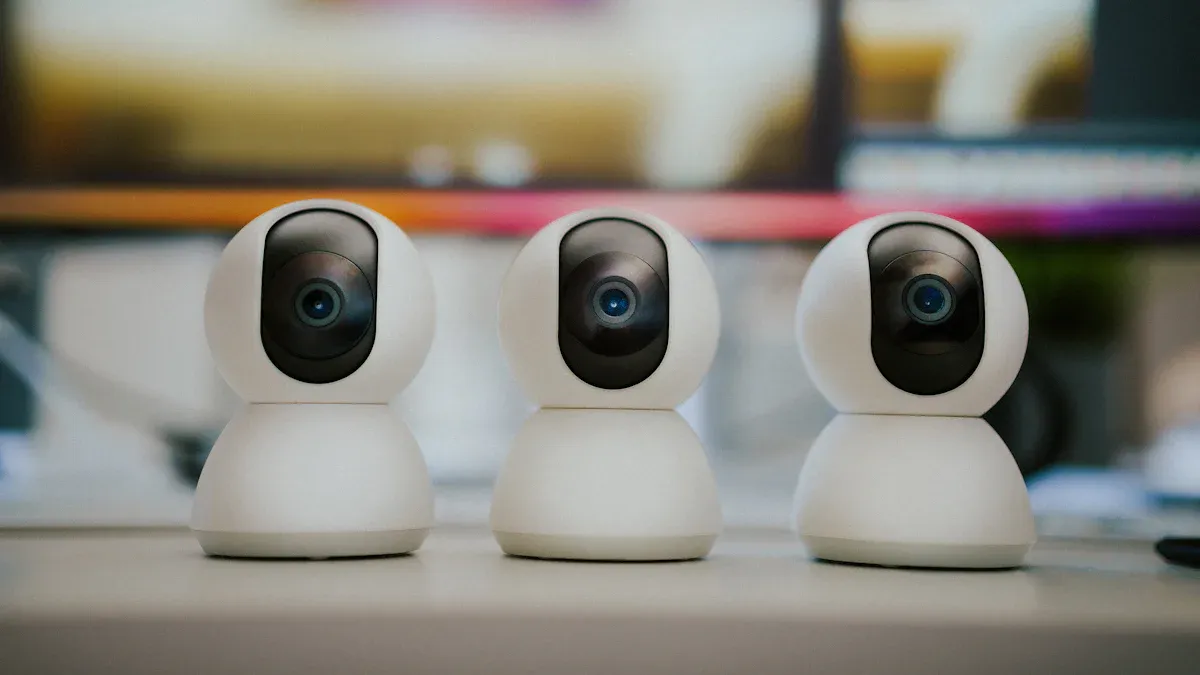
When you start setting up your smart home, choosing the right smart devices is crucial. You want to select devices that fit your lifestyle and enhance your home’s functionality. Here are some essential categories to consider:
Smart Lighting
Smart lighting can transform your home’s atmosphere while saving energy. With smart bulbs, you can control brightness and color from your smartphone or through voice commands. Here are some popular options for beginners:
Govee Smart Light Bulbs
Philips Hue Smart Light Bulbs Starter Kit
These devices allow you to create schedules, so your lights turn on and off automatically. This feature helps prevent unnecessary energy use. For example, you can set your lights to turn off when you leave home or dim them for movie night.
Recent advancements in smart lighting technology include:
Integration with music systems, allowing lights to sync with your favorite tunes.
Smart lighting systems that adjust brightness based on the time of day or occupancy.
Remote control capabilities via smartphones or voice-activated assistants.
By using smart lighting, you can enjoy a cozy atmosphere while also contributing to energy savings. In fact, smart lighting can significantly reduce your electricity bills over time.
Smart Security Systems
Keeping your home safe is a top priority, and smart security systems offer advanced features to help you do just that. When choosing a smart security system, consider these important features:
Feature | Description |
|---|---|
AI-Powered Threat Detection | Detects unusual behavior patterns and alerts you of potential threats. |
Facial Recognition Technology | Identifies familiar faces and notifies you of strangers. |
Multi-Layer Authentication | Enhances security with biometrics and PIN codes. |
Popular smart security devices include smart cameras, smart doorbells, and motion sensors. These devices allow you to monitor your home remotely and receive real-time alerts about suspicious activities.
For beginners, here are some recommended smart security devices:
Smart Cameras: Keep an eye on your property from anywhere.
Smart Doorbells: See who’s at your door and communicate remotely.
Motion Sensors: Get alerts when someone enters your property.
Investing in a smart security system not only protects your home but also gives you peace of mind.
Smart Thermostats
Smart thermostats are another fantastic addition to your smart home. They learn your heating and cooling preferences, helping you save energy and money. Here’s how they compare to traditional thermostats:
Feature | Smart Thermostats | Traditional Thermostats |
|---|---|---|
Energy Efficiency | Optimizes HVAC usage based on habits | Fixed settings, less efficient |
Convenience | Remote access via smartphone | Manual adjustments only |
Learning Capabilities | Adapts to user patterns over time | No learning capabilities |
With smart thermostats, you can expect to save up to 10% on your energy bills annually. Popular options for beginners include:
Amazon Smart Thermostat
Google Nest Thermostat
These devices allow you to control your home’s temperature from anywhere, ensuring comfort while maximizing energy efficiency.
By selecting the right smart devices, you can create a connected home that enhances your lifestyle. Start with these basics, and you’ll be well on your way to enjoying the benefits of a smart home.
Setting Up a Smart Home Hub
Choosing the Right Hub
A smart home hub acts as the brain of your smart home, connecting all your devices and allowing them to communicate. When selecting a hub, consider the following factors:
Voice Automation: If you want to control your devices with voice commands, ensure the hub supports voice assistants like Alexa or Google Assistant.
Device-to-Device Connectivity: Check if the hub can connect with various devices, regardless of their brand or protocol.
Web Services: Look for hubs that integrate with popular web services for added functionality.
Data Control: Ensure you have control over your data and privacy settings.
Ease of Use: A user-friendly interface makes managing your smart home much simpler.
Multi-User Support: If you share your home with others, choose a hub that allows multiple users.
Expansion: Consider future-proofing your setup by selecting a hub that can accommodate new devices as you expand your smart home.
Here’s a quick overview of the roles a smart home hub plays:
Role of Smart Home Hub | Description |
|---|---|
Central Control Point | Acts as the brain behind the automated home, connecting various smart devices. |
Device Coordination | Facilitates communication between devices operating on different protocols. |
User Convenience | Allows users to manage devices from a single interface, enhancing ease of use. |
Flexibility | Enables integration of devices from different brands, ensuring compatibility and future-proofing. |
Some of the most widely used smart home hubs on the market include:
Samsung Electronics Co., Ltd.
Amazon.com, Inc.
Google LLC
Apple Inc.
LG Electronics Inc.
Aqara (Lumi United Technology Co., Ltd.)
Control4 (a brand of ADI Global Distribution)
Netatmo (a subsidiary of Legrand)
Universal Electronics Inc.
Develco Products
Fibaro (a brand of Nice S.p.A.)
Insteon
Securifi
Silicon Labs
Haier Group Corporation
Installation Steps
Setting up your smart home hub is a straightforward process. Follow these steps to get started:
Download the SmartThings app on your smartphone (available for both Android and iOS).
Create an account in the SmartThings app.
Power up the Smart Home Hub by connecting it to a power outlet.
Finalize the setup in the SmartThings app by adding the Smart Home Hub as a device.
While installing your hub, you might encounter some common challenges, such as:
Connectivity issues
Device unresponsiveness
Battery drain
Incompatibility
Security concerns
App troubles
Automation problems
Limited range
Ghost activity
Feeling overwhelmed
Don’t worry! These challenges are common, and many users face them. With a little patience and troubleshooting, you can overcome these hurdles and enjoy the benefits of your smart home hub.
By choosing the right hub and following these installation steps, you’ll be well on your way to creating a connected and efficient smart home.
Integrating Smart Devices
Creating Routines
Integrating smart devices into your home means you can create routines that make your life easier. Routines allow you to automate tasks, so you don’t have to think about them. For example, you can set a morning routine that turns on your coffee maker, adjusts the thermostat, and turns on the lights at a specific time. Here are some best practices for creating effective routines:
Categorize and Name Your Devices: This helps you manage multiple devices easily.
Make Device Status Clear: You should see and change device status effortlessly.
Combine Color, Iconography, and Text: This ensures device status is recognizable and unambiguous.
Make Progress Visible: Knowing how far along a device is in completing a task can be very helpful.
Reduce Repetition with Shortcuts: This minimizes the need for repetitive actions.
Provide Immediate Feedback: You should receive confirmation that your commands were executed.
By following these tips, you can streamline your daily activities and enjoy the benefits of automation in your smart home.
Voice Control Options
Voice control is another fantastic way to integrate smart devices. It allows you to manage your home hands-free, which is especially useful when your hands are busy. Here are some popular voice control options:
Use voice assistants like Alexa or Google Assistant to manage home security and automate tasks.
Control your microwave with voice commands using the AmazonBasics Microwave and an Amazon Echo.
Lock your front door using a smart lock like Kevo, which can be controlled via Alexa.
Voice control enhances accessibility for everyone, including those with disabilities or limited mobility. It simplifies interactions with smart devices, allowing users to perform tasks like controlling lights and adjusting thermostats without physical interaction. This technology makes daily tasks easier and improves the quality of life for many.
Integrating smart devices through routines and voice control not only enhances convenience but also creates a more connected and efficient home environment. As you explore these options, you’ll find that managing your smart home becomes second nature.
Ensuring Smart Home Security
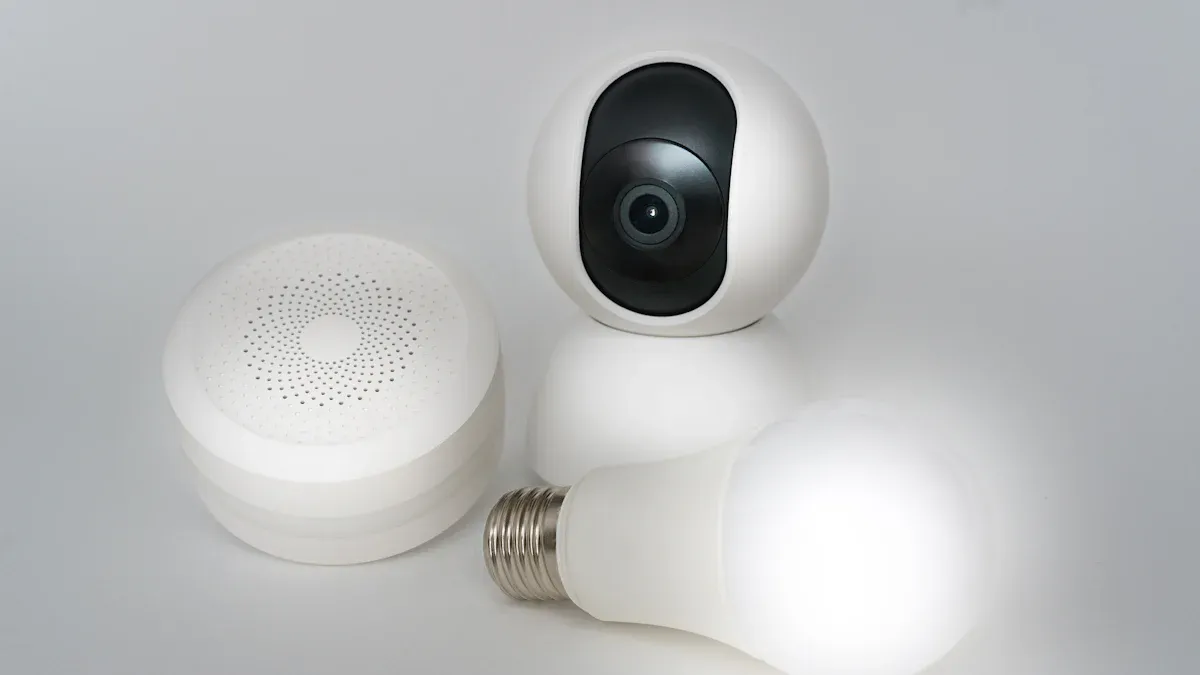
Security Best Practices
Keeping your smart home secure is crucial. Here are some best practices to follow:
Change Default Passwords: Always change the default passwords on your devices. Create strong, unique passwords for each device to enhance security.
Keep Devices Updated: Regularly check for software or firmware updates. Many devices operate on outdated firmware, making them vulnerable to attacks.
Enable Encryption: Choose devices that support encrypted data transmission. This adds an extra layer of protection.
Segment Your Network: Place your IoT devices on a separate Wi-Fi network from your primary devices. This limits exposure to potential threats.
Purchase from Reputable Vendors: Always buy devices from trusted brands with a good security track record.
Limit Data Collection: Review privacy settings and disable unnecessary features that collect data.
Manage Remote Access: Disable remote access unless necessary. If you need it, use strong authentication methods.
Monitor Device Activity: Regularly check logs for unusual behavior and set up alerts for any suspicious activity.
Dispose of Devices Securely: Reset devices to factory settings before discarding them to prevent unauthorized access.
By following these practices, you can significantly reduce vulnerabilities in your smart home security.
Monitoring and Alerts
Monitoring your smart home is essential for maintaining security. Here are some effective systems you can use:
Type of System | Description |
|---|---|
Smart Home Security Systems | Integrates access control and allows remote adjustments via an app. |
Intrusion Detection Systems | Detects unauthorized entry and sends alerts to your mobile device. |
Home and Life Safety Systems | Detects hazards like fire and carbon monoxide, sending alerts to prevent escalation. |
Garage Door Control | Notifies you if the garage door is open and allows remote closing. |
Keyless Smart Door Locks | Provides secure access without keys and allows remote unlocking. |
Smart Thermostats | Adjusts settings based on occupancy and weather, with remote control capabilities. |
Lighting Control | Allows scheduling and remote control of lighting to enhance security and energy efficiency. |
Door and Window Sensors | Alerts you to potential unauthorized entry when doors or windows are opened. |
Motion Sensors | Detects movement and can differentiate between people and animals to reduce false alarms. |
Glass-Break Detectors | Recognizes the sound of breaking glass for added security. |
Heat and Smoke Detectors | Sends instant alerts to your phone upon detecting smoke or rapid temperature changes. |
Carbon Monoxide Detectors | Continuously monitors air quality and alerts you when CO levels are dangerous. |
Water and Flood Detectors | Detects leaks or flooding to prevent damage, sending alerts regardless of your location. |
By implementing these monitoring systems, you can stay informed about your home’s security and respond quickly to any potential threats.
Troubleshooting Common Issues
Connectivity Problems
When you set up your smart home, you might run into connectivity problems. These issues can be frustrating, especially when devices like the Wyze Cam v3 or the Blink app fail to connect. Here are some common connectivity problems you may face:
Wi-Fi Security Modes: Older security modes can cause issues when connecting devices.
DNS Problems: Problems with DNS can prevent devices from communicating effectively.
IP Renumbering and MAC Randomization: Frequent changes in IP addresses can disrupt communication.
If you experience slow or unresponsive connections, check for problems with DNS resolution. This can lead to devices being unable to connect to necessary cloud services. Additionally, issues with device association can cause devices to stop functioning after repeated connections to Wi-Fi networks.
To resolve these connectivity issues, try the following steps:
Restart Your Devices: Sometimes, a simple restart can fix connectivity problems.
Check Your Wi-Fi Signal: Ensure your devices are within range of your router.
Update Firmware: Make sure all your devices have the latest software updates.
Device Compatibility Issues
Device compatibility can also be a headache for beginners. Not all smart devices work seamlessly together. To avoid these issues, consider these tips:
Invest in a Bridge: A hub can help incompatible devices communicate, like the Philips Hue Bridge for smart lighting.
Verify Device Settings: Ensure your device settings are correct. Misconfigurations can lead to compatibility issues.
Use a Unified Platform: Platforms like Google Home or Amazon Alexa can integrate devices from various manufacturers.
Before purchasing new devices, research their compatibility with your existing systems. Manufacturers often provide this information, so take advantage of it. By following these tips, you can minimize compatibility issues and enjoy a smoother smart home experience.
Setting up your first smart home can be an exciting journey! Start by assessing your current needs and setting a budget. Focus on core automation like smart lighting and voice assistants in the first couple of months. As you get comfortable, add security basics like cameras and door sensors, then move on to climate control with a smart thermostat.
Remember, you don’t have to do it all at once. Gradually expanding your smart home setup allows you to enjoy the benefits without feeling overwhelmed. Embrace the convenience, energy savings, and enhanced security that smart technology brings to your life!
FAQ
What is a smart home?
A smart home uses technology to control devices like lights, thermostats, and security systems remotely. You can manage these devices through your smartphone or voice commands, making your life easier and more efficient.
How do I choose the right smart devices?
Start by assessing your needs. Consider factors like energy efficiency, security, and convenience. Focus on essential devices like smart lighting, security systems, and thermostats to create a solid foundation for your smart home.
Can I integrate different brands of smart devices?
Yes! Many smart home hubs support devices from various brands. Just ensure the devices are compatible with your chosen hub. This flexibility allows you to mix and match devices to suit your preferences.
Is setting up a smart home expensive?
Costs vary based on the devices you choose. You can start small with a few essential devices and gradually expand your setup. Look for budget-friendly options to keep expenses manageable while enjoying the benefits of smart technology.
How can I ensure my smart home is secure?
To enhance security, change default passwords, keep devices updated, and enable encryption. Segment your network by placing IoT devices on a separate Wi-Fi network. Regularly monitor device activity for any unusual behavior.