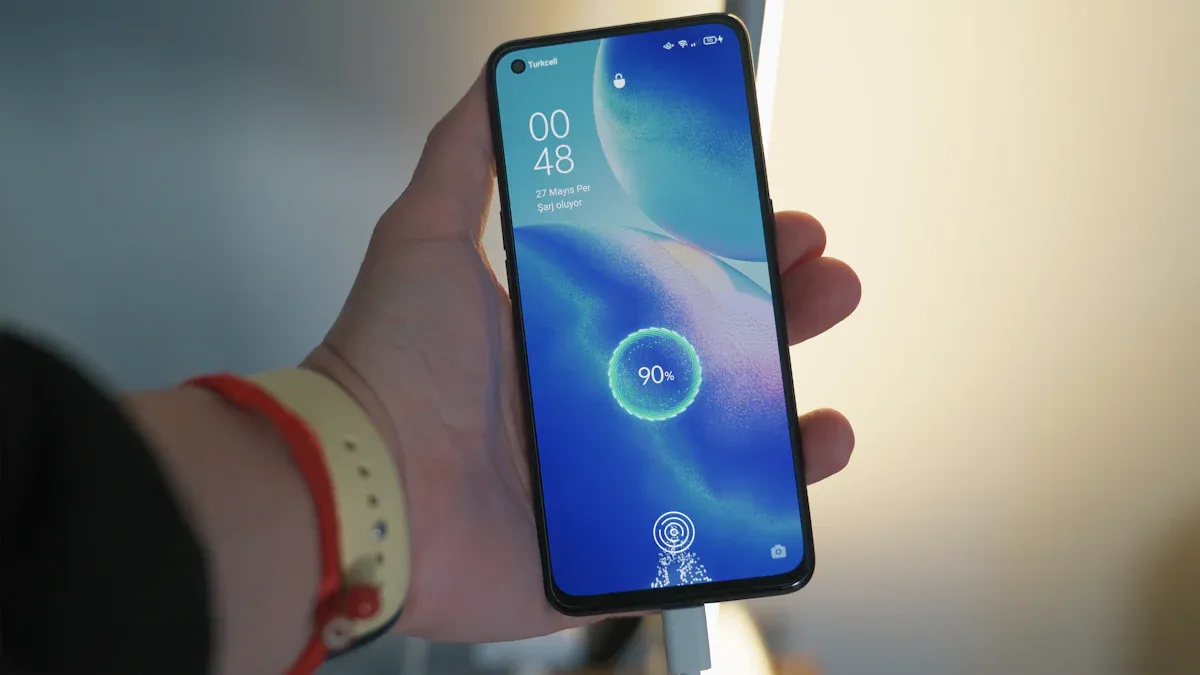
We all know the frustration of a dying phone battery, right? You’re out and about, and suddenly, your smartphone battery life drops to 10%. According to recent surveys, 93% of users experience low-battery anxiety, and 66% need to charge their phones twice a day. But don’t worry! You can take simple steps to extend your battery life and keep your phone running longer.
Frustration Type | Percentage of Users |
|---|---|
Low-battery anxiety | 93% |
Charging frequency (twice a day) | 66% |
Key Takeaways
Adjust your screen brightness to save battery. Use adaptive brightness for automatic adjustments based on your surroundings.
Enable battery saver mode to limit background activities and optimize your phone’s performance, extending battery life.
Uninstall unused apps to reduce battery drain. Regularly check your app usage to identify and remove power-hungry applications.
Settings for Smartphone Battery Life
Screen Brightness
One of the easiest ways to maximize battery life is by adjusting your screen brightness. Did you know that keeping your screen too bright can drain your battery quickly? To conserve battery life, set your screen brightness to a comfortable yet energy-efficient level. You can use the adaptive brightness feature, which automatically adjusts based on your surroundings. For example, when you’re indoors or in dim lighting, lowering the brightness can significantly enhance battery longevity.
Here are some quick tips for managing your screen brightness:
Use Adaptive Brightness: This feature adjusts your screen brightness based on the light around you, helping to save battery.
Lower Brightness in Low Light: When you’re in a dark room, reduce the brightness to save power.
Set a Shorter Screen Timeout: Consider reducing your screen timeout to 15 or 30 seconds. This way, your display turns off quickly when not in use, saving battery life.
Setting Adjustment | Recommendation |
|---|---|
Screen Brightness | Use automatic adaptive brightness instead of maximum brightness. |
Screen Timeout | Reduce to 15 or 30 seconds to save energy. |
Battery Saver Mode
Another effective way to maximize battery life is by enabling battery saver mode. This feature helps reduce power consumption by limiting background activities and optimizing your phone’s performance. When you activate battery saver mode, your phone dims the screen and disables power-hungry features. Here’s how it can help:
Limits Background Activities: Battery saver mode restricts apps from running in the background, which can save a lot of power.
Optimizes Charging Speed: It allows more energy to go directly to charging the battery, helping it charge faster.
Reduces Processor Speed: By slowing down the processor, your phone uses less power, extending battery life.
When you enable battery saver mode, you might notice some features are disabled or limited. For instance, automatic email syncing and live tile updates may turn off. This can affect overall performance, but it’s a small trade-off for longer battery life.
Here’s a quick list of what battery saver mode typically adjusts:
Automatic email and calendar syncing is turned off.
Live tile updates are disabled.
Background app activity is limited.
By making these adjustments, you can significantly improve your smartphone battery life. Remember, a little effort goes a long way in keeping your device powered throughout the day!
App Optimization for Battery Life
Uninstall Unused Apps
Managing your apps is crucial for maximizing battery life. Unused or rarely used apps can drain your smartphone battery life without you even realizing it. Recent studies show that devices with apps manually closed experience 2–3% more battery drain over four hours compared to those with apps left open. This means that simply having unused apps on your device can lead to unnecessary battery consumption.
To keep your smartphone running efficiently, consider uninstalling apps you no longer use. Here’s how to do it:
Identify Unused Apps: Look through your app list and find those you haven’t opened in weeks or months.
Uninstall: Long-press the app icon and select the uninstall option. This action frees up space and reduces battery drain.
By removing these apps, you not only declutter your device but also help improve its overall performance.
Monitor App Usage
Keeping an eye on your app usage can reveal which applications are the biggest battery drainers. Monitoring helps you identify apps that consume more power than necessary. Here’s how you can check your app usage:
Open the Settings app on your smartphone.
Navigate to Battery and Device Care (or a similar option).
Select Battery to view detailed battery usage statistics.
Tap View Details for more information on which apps are consuming the most battery.
Some common battery-draining apps include social media platforms like Facebook and Instagram, which frequently sync data and send notifications. By identifying these apps, you can make informed decisions about whether to keep them or limit their usage.
Additionally, Android devices have features that help manage battery life when the phone is not in use. For instance, some apps can use wakelocks to keep the CPU active, leading to excessive battery drain. You can use the Wakelock Detector app to identify which applications are using wakelocks and how often they do so.
Here are some tools available on major smartphone operating systems to monitor app battery usage:
Battery Historian
Xcode Energy Organizer
By optimizing your app usage, you can significantly enhance your smartphone battery life. Remember, every little adjustment counts!
Optimization Technique | Description |
|---|---|
Reduce | Cut out redundant operations to minimize battery usage. |
Defer | Delay actions until necessary, such as waiting for charging to back up data. |
Coalesce | Batch tasks to avoid multiple activations of the device, reducing overall battery drain. |
With these strategies, you can take control of your smartphone battery life and enjoy longer usage between charges.
Battery-Saving Features
Adaptive Battery
Adaptive Battery is a fantastic feature on Android devices that helps you maximize battery life. It learns your app usage patterns and restricts background activity for apps you rarely use. This means your phone conserves energy by focusing on the apps you care about most. Here’s how it works:
It tracks your habits and optimizes battery expenditure based on your behavior.
Background app activity gets limited, which is a significant source of battery drain.
Apps that you frequently use remain responsive, while those you don’t are put on a low-power diet.
Studies show that Adaptive Battery can lead to a 10% reduction in power consumption, making a noticeable difference in your daily battery life.
Findings | Impact |
|---|---|
3% reduction in average data transmission | 10% reduction in power component costs |
Adaptive power consumption scheme | 90% reduction in battery capacity while maintaining data transmission rate |
Extreme Battery Saver
Extreme Battery Saver is another powerful tool, especially when your battery is running low. This mode disables non-essential features and apps, allowing your phone to last longer without a charge. It’s perfect for those moments when you need your phone to stretch its battery life, like during long trips or when you’re in an area with poor signal reception.
When you activate Extreme Battery Saver, you can expect:
A significant reduction in background processes.
Limited access to apps, ensuring only the essentials remain active.
A focus on preserving battery health by minimizing power-hungry features.
Both Adaptive Battery and Extreme Battery Saver work together to help you maintain your smartphone’s battery health and maximize battery life. By using these features, you can enjoy longer usage times and less anxiety about your phone dying unexpectedly.
To keep your smartphone battery healthy, remember these key tips:
Reduce screen brightness.
Enable Adaptive Battery.
Uninstall unused apps.
Manage background activity.
By implementing these strategies, you can enjoy longer battery life, reduce anxiety about charging, and contribute to a more sustainable environment. Your phone will thank you! 📱💚