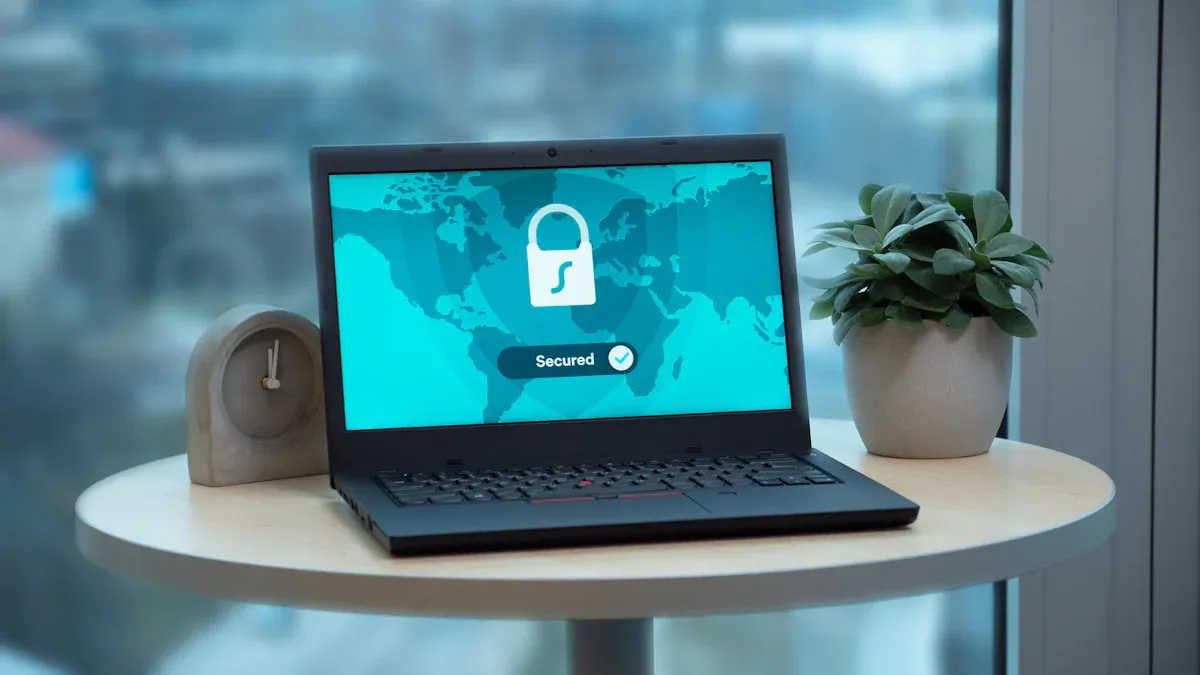
Every day, hackers target laptops, seeking to steal personal information and sensitive data. You must take action to protect your privacy and safeguard your data. By adopting a security-first mindset, you can significantly reduce risks. Implementing best practices for laptop security is not just an option; it’s essential in today’s digital world. Stay informed, vigilant, and proactive to keep your information safe.
Key Takeaways
Keep your software updated to close security gaps and protect against malware.
Use strong, unique passwords for each account to prevent unauthorized access.
Install antivirus software and regularly update it to defend against cyber threats.
Be cautious of phishing scams; verify emails before clicking links or attachments.
Practice safe browsing habits to maintain your laptop’s security and protect your data.
Understanding Cyber Threats

Common Cyber Attacks
Cyber attacks come in various forms, each posing unique risks to your laptop and personal data. Here are some common types of attacks you should be aware of:
Phishing: Attackers trick you into revealing sensitive information through fake emails or websites.
Malware: Malicious software infects your laptop, often leading to data theft or system damage.
Ransomware: This type of malware locks your files and demands payment for access.
Man-in-the-Middle (MitM): Attackers intercept communications between you and a service, allowing them to steal data.
Each of these attacks can have severe consequences, including identity theft and financial loss. Staying informed about these threats is crucial for your protection.
Recognizing Vulnerabilities
Understanding vulnerabilities in your laptop’s operating system can help you prevent attacks. One significant vulnerability is CVE-2019-0708, which affects several Windows systems. Here’s a quick overview:
Vulnerability Name | CVE-2019-0708 |
|---|---|
Affected Systems | Windows 7, Windows Server 2008 R2, Windows Server 2008, Windows 2003, Windows XP |
Severity Rating | 9.8 (Critical) |
Exploit Type | Wormable (spreads without user interaction) |
Potential Impact | Complete access to compromised systems, data theft, and network attacks |
Recognizing such vulnerabilities allows you to take proactive measures. Regularly updating your operating system and software can close these security gaps. By staying vigilant and informed, you can significantly reduce the risk of falling victim to cyber attacks.
Security Practices for Protection
Password Management
Good password management is crucial for securing your laptop. A strong password acts as the first line of defense against unauthorized access. Here are some best practices to follow:
Create passwords that are at least 12 characters long, ideally 14 or more.
Use a mix of uppercase letters, lowercase letters, numbers, and symbols.
Avoid using dictionary words or names that can be easily guessed.
Ensure each password is unique and different from previous ones.
Consider using memorable phrases to make passwords easier to recall.
To further enhance your security, do not share passwords with anyone. Avoid sending passwords through insecure communication methods. Using unique passwords for each account helps prevent credential stuffing attacks. You might also want to consider using a password manager. Password managers securely store credentials and generate strong passwords, significantly lowering the risks associated with password management. They utilize zero-knowledge architecture, ensuring that your data remains encrypted and inaccessible to the service provider.
Keep Software Up-to-Date
Keeping software up-to-date is another essential practice for laptop security. Regular updates help patch vulnerabilities that hackers could exploit. Here are some guidelines to follow:
Update software immediately when a security patch is released, especially for critical systems.
Aim for a regular update cycle, such as weekly or monthly, for most applications.
Apply patches for severe vulnerabilities within 72 hours to maintain security.
By keeping your software updated, you close security gaps that could allow malware to infect your laptop. This simple step can significantly enhance your protection against cyber threats.
Antivirus and Firewall Use
Installing antivirus software is vital for protecting your laptop from malware. Here are some effective practices:
Regularly update your anti-malware application to enhance protection against viruses and malware.
Avoid opening email attachments from unknown senders to prevent virus infections.
Utilize a pop-up blocker to reduce exposure to potentially harmful content.
Ensure that Windows and security features like SmartScreen and User Account Control are enabled and updated.
Firewalls also play a crucial role in laptop security. Configuring firewall settings helps restrict unauthorized access to your laptop. Together, antivirus software and firewalls create a robust defense against cyber threats, ensuring your data remains safe.
Secure Computing Tips
Avoid Phishing Scams
Phishing scams are a common threat that can compromise your data. These scams often come in the form of emails that appear legitimate but aim to steal your personal information. Here are some effective strategies to help you avoid phishing scams:
Recognize: Look for signs of phishing, such as urgent language, requests for personal information, and untrusted URLs.
Resist: Avoid clicking on suspicious links or attachments. If you receive an unexpected email, verify the sender before taking any action.
Delete: Remove any suspicious messages without responding or clicking on links. This simple step can prevent potential threats.
Common phishing techniques include spear phishing, vishing (voice phishing), and smishing (SMS phishing). Each method targets users differently, but they all aim to trick you into revealing sensitive information. By staying informed about these tactics, you can better protect yourself.
Safe Browsing Habits
Practicing safe browsing habits is essential for maintaining your laptop’s security. Here are some key components to consider:
Be cautious with pop-ups, ads, and unfamiliar web pages to avoid malvertising attacks.
Limit sharing of information online to protect against identity theft.
Use secure networks and encrypted connections, especially on public networks.
Clear cookies and browsing data regularly to reduce tracking risks.
Install security tools that protect against malicious web activity.
By following these guidelines, you can create a safer online environment. Always remember that your actions online can significantly impact your security. Stay vigilant and prioritize safe computing practices to keep your data secure.
Advanced Protection Measures
Encryption
Encryption is a powerful tool for protecting your data. It transforms your information into a code that only authorized users can read. Here are some widely used encryption methods for laptop security:
Microsoft Bitlocker: Encrypts partitions on Windows Vista and newer without extra cost.
Veracrypt: Offers partition encryption for Windows Vista and newer at no cost.
Apple FileVault 2: Available for macOS 10.7 and above, it encrypts partitions for free.
Linux Unified Key Setup (LUKS): Works with various Linux distributions, providing free partition encryption.
Self-Encrypting Drive (SED): Provides whole-disk encryption across Windows, macOS, and Linux, with costs varying by size and vendor.
Using encryption ensures that even if someone gains access to your laptop, they cannot read your sensitive data without the proper keys.
Using VPNs
A Virtual Private Network (VPN) enhances your privacy and security, especially on public Wi-Fi networks. VPNs encrypt your data as it travels to and from your device. This encryption keeps your sensitive information confidential and hidden from others on the same network. Additionally, VPNs create a secure tunnel for data transmission, protecting you from potential threats.
However, be aware of the limitations of VPNs. They can be vulnerable to Man-in-the-Middle (MitM) attacks, which allow unauthorized parties to intercept communications. Misconfigurations can lead to data leaks, exposing your information. Malware can also infect VPN servers, compromising your security. Always choose a reputable VPN provider to minimize these risks.
Two-Factor Authentication
Two-factor authentication (2FA) adds an extra layer of security to your accounts. It requires both a password and a second factor, such as a code sent to your phone. This method significantly reduces the risk of unauthorized access. Even if someone steals your password, they cannot access your account without the second factor.
Common forms of 2FA include:
Push-based authentication
FIDO security key
Biometric authentication (e.g., facial recognition, fingerprint scanning)
Implementing 2FA can greatly enhance your laptop’s security and protect your sensitive information from unauthorized access.
Regular Maintenance and Monitoring
Routine Security Audits
Conducting routine security audits is essential for maintaining your laptop’s security. These audits help you identify vulnerabilities and ensure that your security measures are effective. Here are the recommended steps for performing a security audit:
Define the Audit Scope
Review Security Policies and Procedures
Assess Technical Controls
Test Control Effectiveness
Compile and Analyze Findings
Create a Comprehensive Report
Present Findings to Stakeholders
Plan for Follow-up
You should aim to conduct these audits at least twice a year. However, consider performing them whenever significant changes occur, such as new regulations or after a breach. Regular audits help you safeguard protected data and keep your credentials secure.
Monitoring for Unusual Activity
Monitoring your laptop for unusual activity is another critical aspect of security. You can use various tools to detect unauthorized access or suspicious behavior. Here are some effective options:
User and Entity Behavior Analytics (UEBA): This tool monitors user behavior to detect anomalies.
Data Loss Prevention (DLP) Integration: It prevents unauthorized data transfer by monitoring content in motion.
Security Information and Event Management (SIEM) Correlation: This aggregates security logs to identify potential threats across systems.
Endpoint Monitoring and Session Recording: This observes user actions on devices in real time and records sessions for forensic analysis.
AI-Powered Anomaly Detection: This uses AI to identify subtle behavioral anomalies that may indicate insider threats.
By actively monitoring your laptop, you can quickly respond to any suspicious activity. Always be careful what you click and never leave devices unattended. These practices help you protect your credentials and maintain the integrity of your data.
Securing your laptop is essential in today’s digital landscape. Implementing strong security measures can protect your personal data from cyber threats. Here are some key takeaways to remember:
Keep all software up to date.
Use antivirus software and keep it current.
Choose strong passwords and protect them.
Avoid suspicious attachments and links.
Browse the web safely.
Stay informed about emerging threats. Conduct regular security audits and foster awareness of phishing attempts. A security-first mindset helps you create a culture of protection, making security a daily priority.