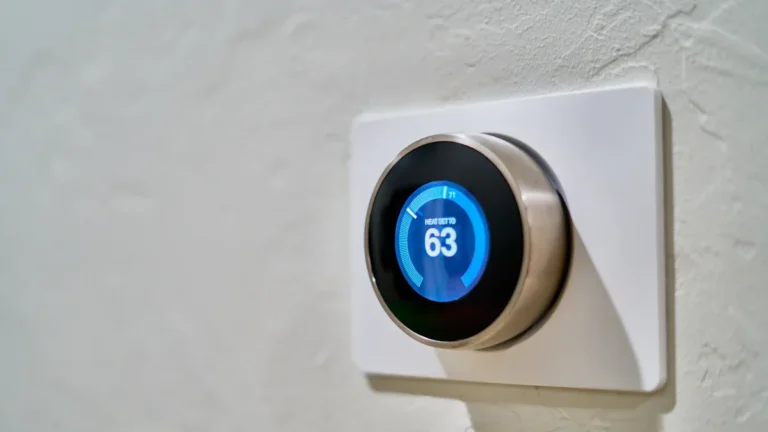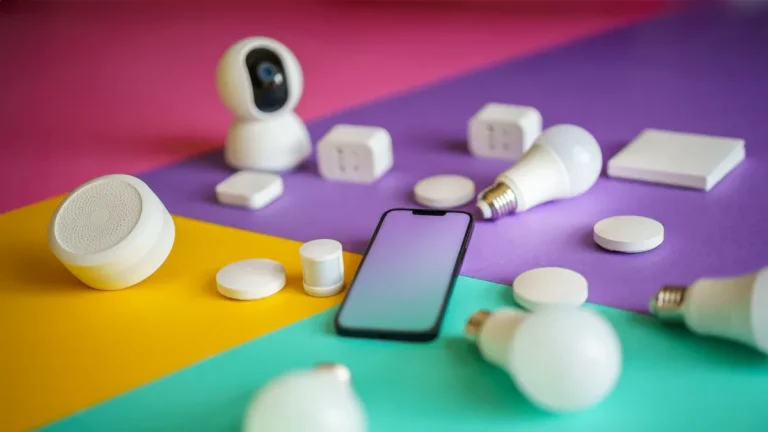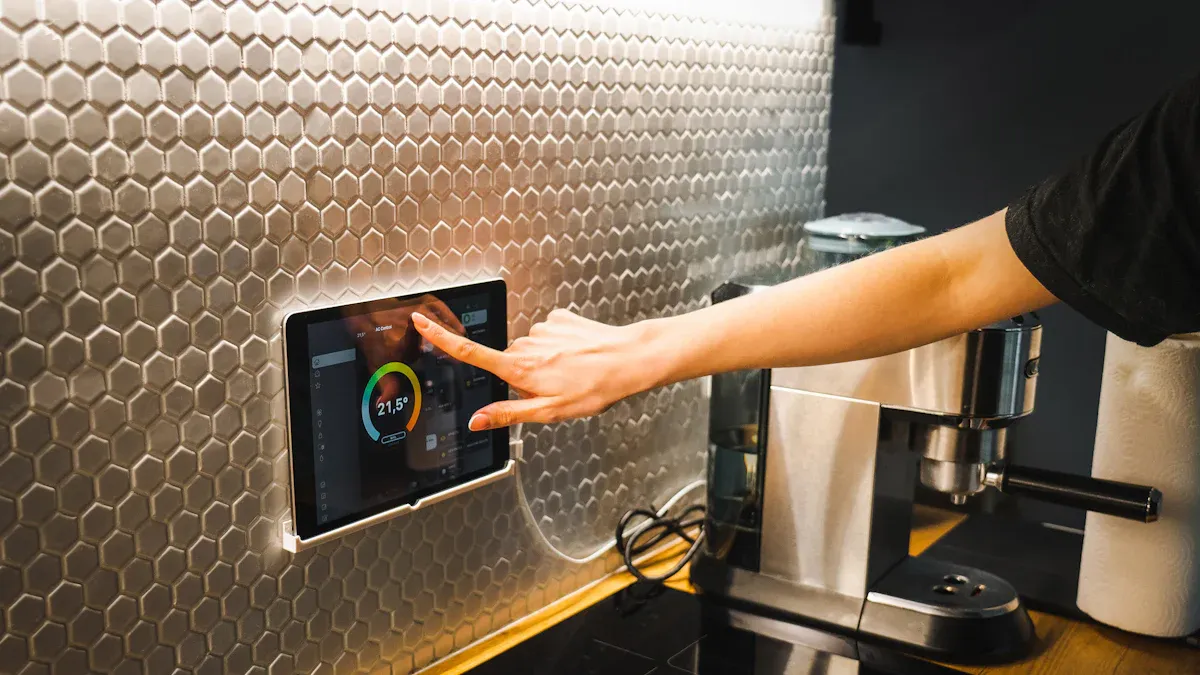
Imagine controlling your home with just your voice! A voice-controlled smart home system brings incredible convenience to your daily routine. You can automate tasks, manage security, and even adjust your thermostat—all hands-free. Recent surveys show that nearly 70% of homeowners value this technology for its ease of use and security features. With advancements in voice recognition, you can now interact with your devices more intuitively than ever. Choosing the right devices and platforms is key to ensuring a smooth setup and a seamless experience.
Key Takeaways
Choose the right voice assistant based on your needs. Consider features like music integration and compatibility with smart devices.
Select compatible smart devices to ensure a seamless experience. Look for options that work well with your chosen voice assistant.
Set up digital rooms in your smart home for better control. Group devices by room to simplify voice commands and management.
Secure your Wi-Fi network to protect your smart home. Use strong passwords, encryption, and keep your router firmware updated.
Regularly review privacy settings on your devices. Mute microphones when not in use and manage data sharing to safeguard your information.
Smart Home Devices
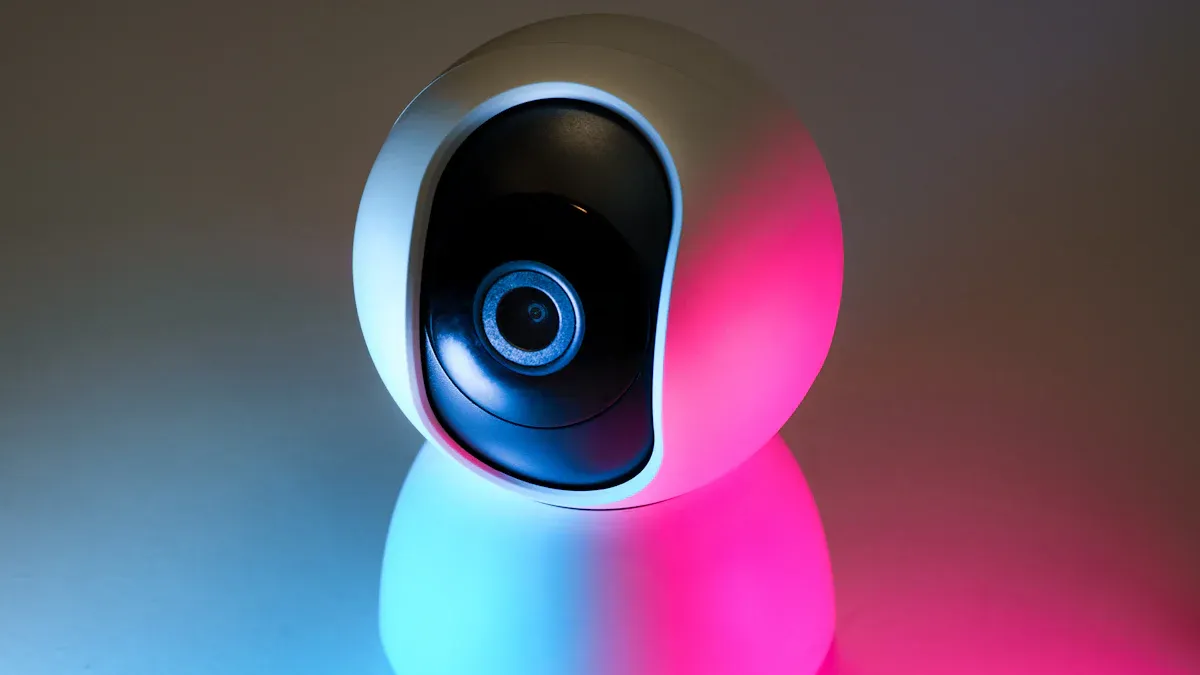
When setting up your voice-controlled smart home, the right devices make all the difference. Here’s a breakdown of essential components you’ll want to consider.
Smart Speakers
Smart speakers serve as the heart of your voice-controlled system. They allow you to interact with your home assistant and control other devices with simple voice commands. Here are some top-rated options:
Sonos Era 300: This speaker scores high for sound quality and ease of use.
JBL Authentics 500: Known for its impressive audio output, it supports both Alexa and Google Assistant.
These smart speakers not only play music but also act as a hub for your voice assistants, making them a must-have for any smart home setup.
Smart Hubs
Smart hubs connect various devices and streamline your smart home experience. They allow you to control everything from lights to security systems through a single interface. Here’s how they stack up with popular voice assistants:
Feature | Google Assistant | Amazon Alexa | Apple Siri |
|---|---|---|---|
Natural Language Processing | Superior understanding of natural language | Extensive library of third-party Skills | Focus on security and privacy |
Ecosystem | Smaller ecosystem of compatible devices | Large ecosystem with many integrations | Limited compatibility with devices |
App Usability | User-friendly interface | Functional but can be clunky | More secure but less intuitive |
Choosing the right hub can enhance your experience, so consider what devices you plan to integrate.
Compatible Devices
Compatibility is crucial when selecting devices for your smart home. Here are some popular options that work seamlessly with major platforms:
Philips Hue: Works with Alexa, Apple HomeKit, and Google Home.
Govee Smart Light Bulbs: Great for customizable lighting.
Amazon Smart Plug: Easily control any device plugged into it.
These devices ensure that you can expand your smart home setup without worrying about compatibility issues.
With the right smart speakers, hubs, and compatible devices, you can create a voice-controlled environment that fits your lifestyle perfectly.
Setup for Voice Control

Setting up your voice-controlled smart home system is an exciting journey! Let’s break it down into three key steps: choosing a voice assistant, connecting your devices, and creating digital rooms for better control.
Choosing a Voice Assistant
Selecting the right voice assistant is crucial for your smart home experience. Here are some important criteria to consider:
Helpfulness and accuracy of answers
Compatible smart speaker options
Music integrations
Compatible video streaming services
Compatible smart home devices
Quality of companion apps
Popular options include Amazon Alexa, Google Assistant, and Apple Siri. Each has its strengths, so think about what features matter most to you. For example, if you love music, Alexa might be your best bet due to its extensive music service integrations.
Connecting Devices
Now that you’ve chosen your voice assistant, it’s time to connect your devices. Follow these simple steps:
Unboxing and Powering Up: Start by unboxing your smart speaker and plugging it into a power source. Most devices come with clear instructions to guide you through the initial steps.
Wi-Fi Connectivity: Your smart speaker needs to connect to your Wi-Fi network. The setup process will prompt you to do this, and it’s usually straightforward with on-screen instructions.
Companion App: Download the companion app for your smart speaker, like Google Home or Alexa. This app is your control center for configuring your speaker and linking it to other smart devices.
Voice Assistant Configuration: During setup, you’ll configure your chosen voice assistant. This often involves setting up your voice profile and preferences.
Device Discovery: Once your smart speaker is ready, it will automatically search for compatible smart devices on your network. This makes it easy to discover and control your existing smart home devices.
If you encounter issues, check the microphone settings to ensure it’s not muted, and verify that your device is connected to your home network. Restarting both the voice assistant and your router can also help resolve connectivity problems.
Creating Digital Rooms
Creating digital rooms enhances your control over your smart home. This feature allows you to group devices by room, making it easier to manage them with voice commands. Here’s how to set it up:
Open the Companion App: Launch the app you used to set up your voice assistant.
Navigate to Rooms: Look for the option to create or manage rooms. This is usually found in the settings or device management section.
Add Devices: Select the devices you want to include in each room. For example, you might group your living room lights, thermostat, and smart TV together.
Name Your Rooms: Give each room a name that’s easy to remember. This will help you issue commands like, “Turn off the living room lights.”
Test Your Setup: Once you’ve created your rooms, test the voice commands to ensure everything works smoothly.
By organizing your devices into digital rooms, you’ll streamline your voice control experience and make managing your smart home even more convenient.
Integrating Smart Home Systems
Integrating your existing smart home systems with new devices can feel overwhelming, but it doesn’t have to be! Here are some key compatibility considerations to keep in mind:
Compatibility Considerations
Closed Ecosystems: Many home gateway solutions operate as closed ecosystems. This can complicate device compatibility. Always check if new devices will work with your existing setup.
Communication Protocols: Different devices may use various communication protocols like Zigbee, Z-Wave, WiFi, Bluetooth, and Matter. These differences can lead to compatibility issues.
Proprietary Standards: Some manufacturers develop proprietary standards that can create incompatibility between devices from different brands.
To ensure a smooth integration, you might want to consider the following best practices:
Energy Efficiency: Automated blinds can adjust based on the time of day and sunlight exposure, lowering HVAC demand.
Improved Comfort and Privacy: You gain precise control over light and visibility, enhancing your comfort.
Seamless Automation: Blinds can respond to routines, sensors, and environmental conditions, integrating with your lighting and climate systems.
Using Automation Tools
Automation tools like IFTTT (If This Then That) can significantly enhance your smart home functionality. Here’s how you can use them effectively:
Install the Hub: Set up your smart home hub and connect it to your WiFi network.
Connect Your Devices: Pair each device with the hub, ensuring they are recognized in the app.
Create Automation Rules: Define how devices should operate. For example, you can set your lights to turn on when motion is detected.
Test the System: Verify that devices respond correctly and troubleshoot any issues.
With IFTTT, you can create triggers based on specific actions. For instance, you might set up an automation for your balcony door using a Wyze Contact Sensor. When the door opens, your thermostat turns off to save energy, and it turns back on when the door closes. This not only enhances comfort but also improves energy efficiency.
By integrating your smart home systems and utilizing automation tools, you can create a more efficient and enjoyable living environment.
Security in Voice-Controlled Smart Homes
When you set up a voice-controlled smart home, security should be a top priority. With 52% of Americans expressing concerns about smart home device vulnerabilities, it’s essential to take steps to protect your network and personal data. Let’s explore how you can secure your network and manage your privacy settings effectively.
Securing Your Network
Your smart home devices connect to your Wi-Fi network, making it crucial to secure that network. Here are some effective methods to enhance your network security:
Change default SSIDs and passwords to unique, complex combinations.
Implement strong encryption using WPA3 for better protection.
Hide your network SSID to add an extra layer of obscurity.
Regularly update router firmware to fix vulnerabilities.
Disable WPS and UPnP to prevent unauthorized access.
Create a guest network to limit access to your main network.
Segment your network into different zones for enhanced security.
By following these steps, you can significantly reduce the risk of unauthorized access to your smart home devices. Regular firmware updates are also crucial. They help introduce new features and fix bugs. While updates may not prevent all cyber-attacks, they significantly reduce the risk by addressing known vulnerabilities. Outdated firmware poses a major security risk, so keep your devices updated.
Managing Privacy Settings
Managing privacy settings across your smart home devices is just as important as securing your network. Here are some recommended practices to protect your data:
Mute the device: This prevents your smart speaker from listening when not in use. For Amazon Echo, press the microphone On/Off button; for Google devices, use the mute button or toggle switch.
Manage data sharing settings: Adjust settings in the Alexa app under Settings > Alexa Privacy or in the Google Home app under Assistant Settings > You > Your Data.
Review or delete recorded interactions: Both Amazon and Google allow you to view and delete your voice recordings through their respective apps.
Additionally, consider these best practices for managing privacy settings across multiple devices:
Secure your Wi-Fi router with a strong password and the highest level of encryption (WPA2 or WPA3).
Create a separate network for your smart home devices to keep them isolated from your main network.
Turn off listening modes on devices when not in use to prevent eavesdropping.
Protect home security systems by connecting them to your segregated smart home network and keeping them updated.
Disable unused features like Bluetooth and voice control on devices you don’t use.
Use authorized apps to control your devices, ensuring secure access.
Keep all devices updated to patch security flaws.
By taking these steps, you can enjoy the convenience of your home assistant while keeping your data safe. Remember, staying informed about legal regulations regarding data privacy, such as the EU’s GDPR and the US’s Internet of Things Cybersecurity Improvement Act, can also help you navigate the complexities of smart home security.
Setting up a voice-controlled smart home can be a rewarding experience. Here are the key steps to get you started:
Research and select compatible smart devices based on your needs.
Set up a central control hub to manage everything.
Configure automation routines to make your life easier.
Start small with a few devices, then gradually expand your system. This approach helps you maintain a reliable wireless network, which is vital for security. Remember to regularly update your devices and monitor your network for any unusual activity. Staying informed about new technologies will keep your smart home secure and efficient. Enjoy the convenience of your voice-controlled smart home!
FAQ
What is a voice-controlled smart home system?
A voice-controlled smart home system lets you manage devices using voice commands. You can control lights, thermostats, and security systems hands-free, making your daily life more convenient.
Do I need a smart hub for my voice-controlled system?
Not necessarily! While a smart hub can simplify device management, many smart devices connect directly to your Wi-Fi and work with voice assistants without one.
How do I ensure my smart home devices are secure?
To secure your devices, change default passwords, use strong encryption, and keep firmware updated. Regularly review privacy settings to protect your data.
Can I use multiple voice assistants in my smart home?
Yes, you can use multiple voice assistants, but compatibility may vary. Ensure your devices support the assistants you want to use for seamless integration.
What should I do if my voice assistant doesn’t respond?
If your voice assistant isn’t responding, check the microphone settings, ensure it’s connected to Wi-Fi, and restart the device. Sometimes, a simple reset solves the issue!