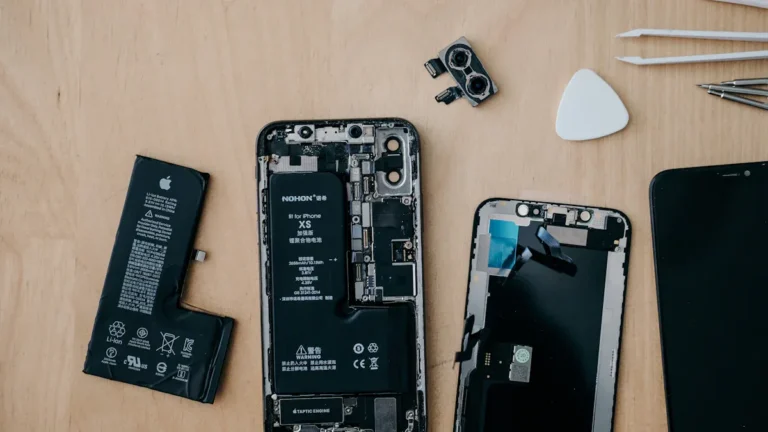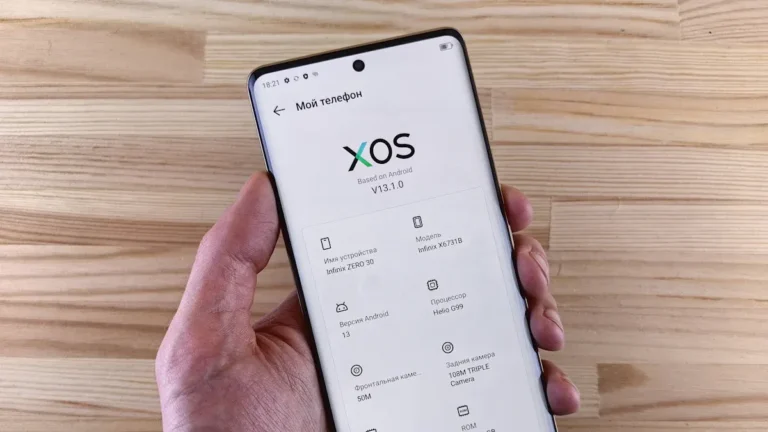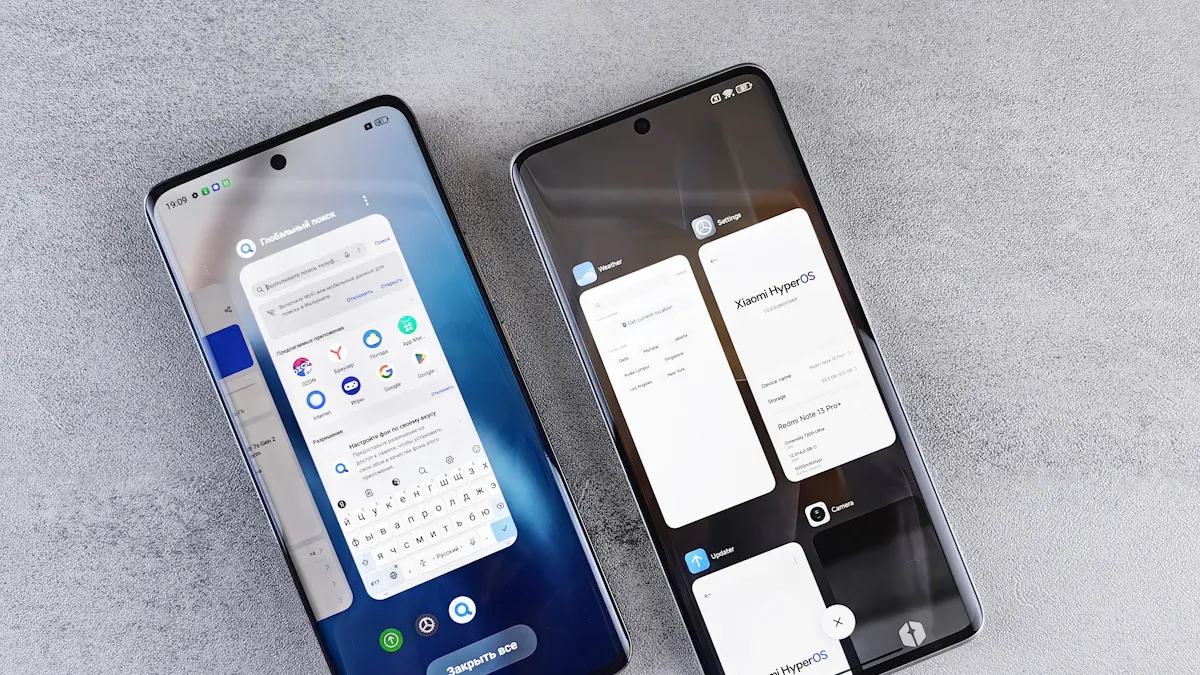
Smartphone operating systems play a crucial role in how you interact with your device. They determine the functionality, user experience, and app availability. Understanding these systems is part of the Ultimate Guide to making informed choices when selecting a smartphone. As of 2024, Android holds a significant market share of 74.14%, while iOS follows with 25.26%.
Operating System | Market Share (%) |
|---|---|
Android | 74.14 |
iOS | 25.26 |
Samsung OS | 0.21 |
KaiOS | 0.13 |
Windows | 0.04 |
Others | 0.11 |
The choice of operating system impacts your overall experience. iOS provides a smooth, streamlined interaction, while Android offers more customization options. Knowing these differences is essential in the Ultimate Guide to finding the right fit for your needs.
Key Takeaways
Android dominates the smartphone market with a 74.14% share, offering extensive customization and a vast app ecosystem.
iOS, with a 25.26% market share, emphasizes user privacy and security, providing a smooth and user-friendly experience.
HarmonyOS aims for seamless connectivity across devices, focusing on privacy and performance, with over 800 million devices in use.
KaiOS serves budget-conscious users, providing essential features and a lightweight experience for first-time smartphone users.
When choosing an operating system, consider your priorities like customization, app availability, and security to enhance your mobile experience.
Major OS Overview
Android
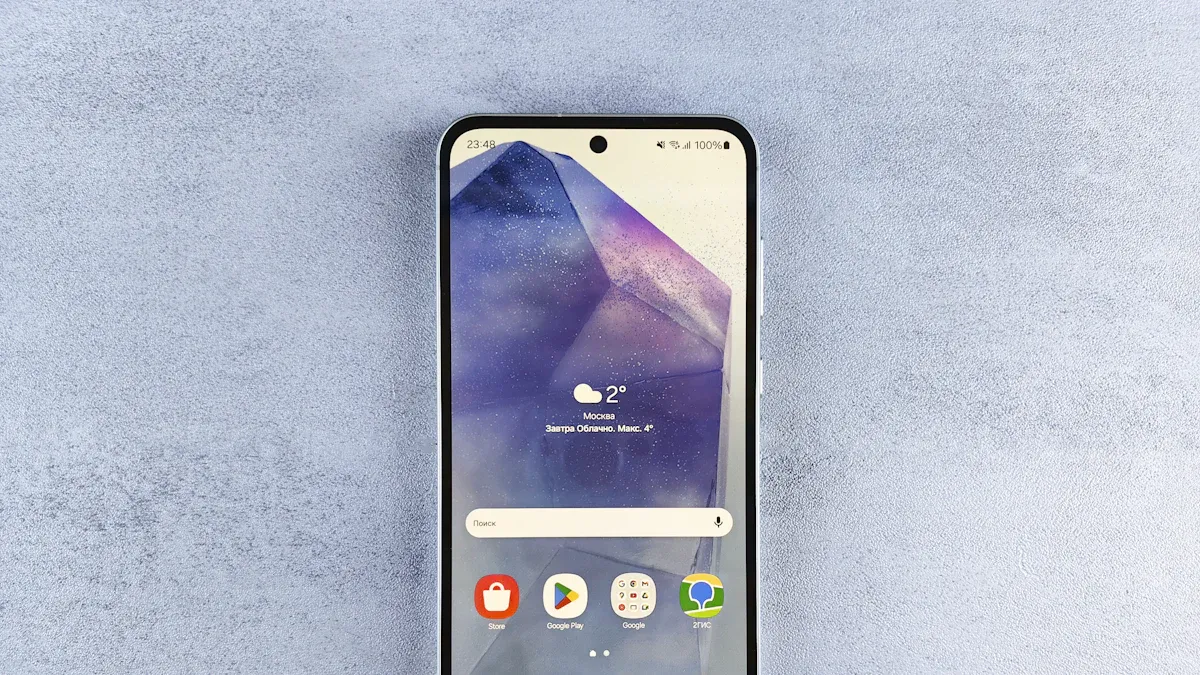
Android is the most widely used mobile operating system globally. It powers a vast array of devices, from smartphones to tablets and even smart TVs. Developed by Google, Android is based on a modified version of the Linux kernel. This open-source operating system allows manufacturers to customize it for their devices.
Here are some defining characteristics of Android:
Supports a wide range of devices, including wearables and automotive systems.
Features a customizable user interface, allowing users to personalize their experience.
Offers a robust app ecosystem with millions of applications available on the Google Play Store.
Android has evolved significantly since its launch. Below is a table highlighting key versions and their features:
Version | Release Date | Key Features |
|---|---|---|
1.0 | September 23, 2008 | First commercial version, launched with the HTC Dream. |
1.5 | Early 2009 | Introduced on-screen keyboard and third-party app widgets. |
2.0 | October 26, 2009 | Added support for Exchange ActiveSync and improved web browser. |
2.2 | May 20, 2010 | Introduced USB tethering, Wi-Fi hotspot functionality, and support for Adobe Flash Player. |
2.3 | December 6, 2010 | UI improvements and support for Near Field Communication (NFC). |
3.0 | February 22, 2011 | Introduced a new user interface designed for tablets. |
4.0 | October 18, 2011 | Unified phone and tablet interface, introduced features like Face Unlock. |
5.0 | November 12, 2014 | Introduced Material Design and improved notifications. |
9.0 | August 6, 2018 | Introduced gesture navigation and adaptive battery features. |
As of 2024, approximately 3.9 billion people worldwide own Android phones, showcasing its dominance in the mobile operating system market.
iOS
iOS is Apple’s proprietary mobile operating system, designed specifically for its devices like the iPhone and iPad. Known for its user-friendly interface, iOS provides a seamless experience for users. It emphasizes security and privacy, making it a popular choice among consumers.
Key features of iOS include:
A simple and elegant user interface that enhances usability.
Regular updates that ensure long-term support and security.
A manual app review process that guarantees high-quality applications in the App Store.
Here’s a comparison of iOS and Android features:
Feature | iOS | Android |
|---|---|---|
User Interface | Simple, elegant, and user-friendly | Varies by manufacturer |
Update Management | Regular updates with long-term support | Monthly security updates, feature drops vary |
App Store Review Process | Manual review for quality and security | Automated review process |
Security Features | Strong focus on app quality and user privacy | Varies by app and manufacturer |
With a market share of 25.26% in 2024, iOS remains a strong competitor in the smartphone industry. Its integration with other Apple services enhances the overall user experience.
HarmonyOS
HarmonyOS is Huawei’s response to the growing demand for a versatile operating system. Launched to reduce reliance on Android, it aims to provide a seamless experience across various devices, including smartphones and IoT devices.
Here are some primary goals and innovations introduced by HarmonyOS:
Native HarmonyOS Architecture: Designed to operate independently of Android, reducing reliance on Android apps.
Enhanced Privacy and Security: Introduces the “Star Shield” architecture for stricter data permissions and better user control.
Improved Performance: Integrates the Ark Engine for smoother multitasking and better battery life.
AI-Powered Smart Assistant: Features the updated XiaoYi Assistant for advanced AI functionalities.
Cross-Device Integration: Supports extensive interactions between devices, enhancing user experience.
As of May 2024, HarmonyOS has over 800 million devices in use, showcasing its rapid adoption in the market.
KaiOS
KaiOS targets a unique demographic, focusing on users in emerging markets and those who prefer non-touch devices. It provides a lightweight operating system for feature phones, making it accessible for first-time internet users.
Key features of KaiOS include:
App Support: Runs HTML5-based apps and has a dedicated app marketplace called KaiStore.
Preinstalled Apps: Includes popular apps like Facebook and YouTube.
Resource Efficiency: Lightweight on hardware, suitable for low-end devices.
Here’s a table summarizing KaiOS features:
Feature | Description |
|---|---|
Target Audience | People in emerging markets, often their first internet experience. |
Technology | Supports web technologies like HTML, CSS, and JavaScript for app development. |
Connectivity | Supports 4G LTE, VoLTE, GPS, and Wi-Fi. |
App Marketplace | KaiStore with 500+ apps available as of April 2020. |
Hardware Requirements | Can run on devices with just 256 MB of memory. |
As of 2024, KaiOS has approximately 100 million active users globally, demonstrating its significance in the mobile operating system landscape.
Features Comparison
Customization
When it comes to customization, each operating system offers different levels of flexibility. Here’s how they compare:
Android: Known for its flexibility and open-source nature, Android allows extensive customization options. You can change your home screen layout, install custom launchers, and even modify system settings.
iOS: Prioritizes performance and security, offering limited customization compared to Android. You can rearrange apps and change wallpapers, but deeper modifications are restricted.
HarmonyOS: Focuses on creating interconnected ecosystems. It promotes a seamless user experience across devices, but customization options remain limited compared to Android.
KaiOS: Targets budget users with essential features. It offers minimal customization, focusing instead on providing a straightforward experience for first-time smartphone users.
App Ecosystem
The app ecosystem plays a crucial role in your smartphone experience. Here’s a comparison of the number of applications available on each platform:
Platform | Number of Apps |
|---|---|
iOS | 1.85 million |
Android | 2.56 million |
HarmonyOS | N/A |
KaiOS | N/A |
Android leads with the most applications available, followed closely by iOS. This vast selection allows you to find apps for nearly any purpose. While HarmonyOS and KaiOS have fewer options, they still provide essential applications for their target audiences.
In addition to the number of apps, consider the quality and support from developers. Both Android and iOS have robust developer communities, ensuring regular updates and new features. This support enhances your overall experience, as you can rely on high-quality applications.
Performance
Performance is another critical factor when choosing an operating system. Here’s a look at how flagship devices perform across different platforms:
Operating System | Median App Launch (ms) | Idle Battery Loss (%/hr) |
|---|---|---|
iOS 17.5 (iPhone 15 Pro) | 680 | 4.2 |
Pixel 8 Pro (Android 14) | 790 | 5.8 |
Samsung S24 Ultra (One UI 6.1) | 920 | 6.7 |
GrapheneOS (Pixel 7a) | 810 | 0.8 |
KaiOS 3.0 (Nokia 800 Tough) | N/A | 0.03 |
From this table, you can see that iOS devices generally launch apps faster and have lower idle battery loss compared to their Android counterparts. This efficiency contributes to a smoother user experience, especially for those who rely on their devices throughout the day.
User Experience Insights
Usability
Usability plays a vital role in your overall experience with a smartphone operating system. Each OS has its strengths and weaknesses. For instance, iOS offers a smooth experience but limits customization options. Android provides flexibility, allowing you to tailor your device to your preferences. However, it can sometimes lead to confusion due to the variety of devices and interfaces. HarmonyOS faces challenges with global adoption, primarily due to its limited access to Google services. KaiOS, while user-friendly, struggles with a smaller app ecosystem. Here’s a summary of common usability challenges across these platforms:
Operating System | Usability Challenges |
|---|---|
iOS | Limited customization and device choices due to a closed ecosystem. |
HarmonyOS | Lack of Google services and challenges in global adoption beyond Huawei’s market. |
KaiOS | Limited app availability and ecosystem expansion challenges. |
Interface Design
The design of a smartphone interface significantly impacts how you interact with your device. Recent trends emphasize user-centric mobile experiences. Voice user interfaces (VUIs) allow for intuitive interaction without typing, making it easier for everyone, especially those with disabilities. Dark mode is also gaining popularity, reducing eye strain and improving battery life on OLED screens. Here are some key trends in mobile interface design:
Voice User Interfaces (VUIs): Enable hands-free interaction.
Dark Mode: Enhances comfort during prolonged use.
3D Animations: Make interfaces more dynamic and engaging.
Accessibility
Accessibility features ensure that everyone can use smartphones effectively. A significant 81% of assistive technology users adjust accessibility settings on their devices. This statistic highlights the importance of inclusive design. Operating systems like iOS and Android offer robust accessibility options, such as screen readers and voice commands. These features help create a more user-friendly design, allowing all users to enjoy a seamless experience.
Security and Privacy Measures
Built-in Security
When it comes to built-in security, each operating system offers unique features to protect your device. Here’s a quick overview:
Operating System | Security Measures |
|---|---|
Android | Sandboxing, app permission control, regular security patches, encryption, biometric authentication, secure boot processes |
iOS | Tightly controlled app approval processes, encryption, biometric authentication |
HarmonyOS | Advanced security techniques, unique challenges in protecting user information |
KaiOS | Security features to defend against malware and unauthorized access |
Android uses sandboxing to isolate applications, which helps prevent malicious apps from affecting your device. iOS implements strict app approval processes to enhance security, ensuring that only safe applications reach your device.
Privacy Controls
Privacy controls are essential for managing your personal information. Each operating system provides different levels of control:
HarmonyOS offers a feature called “Star Shield” security architecture. This feature allows you to manage app permissions more effectively. For example, apps can access individual photos without needing permission for the entire gallery.
iOS includes App Tracking Transparency, giving you control over how apps track your data.
These privacy controls empower you to decide what information to share with applications and other parties.
Data Management
Data management practices vary across operating systems. Here’s how they stack up:
Operating System | Security Features | Privacy Controls |
|---|---|---|
Android | Varies by device and manufacturer, with Google Play Protect for malware scanning. | User can manage permissions for apps. |
iOS | Curated App Store with strict app review process. | App Tracking Transparency for user control over data sharing. |
HarmonyOS | Focus on secure data sharing and privacy protection. | User data encryption and permission management. |
KaiOS | Basic security features, limited app ecosystem. | Minimal privacy controls compared to others. |
You can choose what information to share with apps, and different operating systems offer varying levels of privacy settings. This balance between transparency and control is crucial for protecting your data in today’s mobile landscape.
Future Trends in OS
AI Integration
AI integration in smartphone operating systems is transforming how you interact with your device. Here are some significant advancements:
AI in Photography and Video: Modern smartphones use AI to enhance camera capabilities. Features like face detection and low-light performance improve your photography experience.
AI for Battery Optimization and Performance: AI analyzes your habits to manage battery life. It adjusts settings to conserve energy and boost device performance.
AI in Personal Assistants: AI enhances personal assistants by enabling intelligent scheduling and natural language interaction. This makes it easier for you to manage tasks and stay organized.
Cross-Device Connectivity
Cross-device connectivity is evolving rapidly across various operating systems. Each platform aims to create a seamless experience for users. Here’s how they are progressing:
HarmonyOS focuses on building a unified ecosystem. It allows seamless communication between devices, enhancing your productivity.
The Multi-Screen Collaboration feature enables you to work across multiple devices effortlessly.
Distributed Technology allows tasks to be shared among devices, improving overall performance.
HarmonyOS also supports the adaptation of Android apps, making it easier for developers to integrate their applications.
Other Innovations
Smartphone operating systems continue to innovate in various ways. You can expect to see:
Enhanced Privacy Features: As privacy concerns grow, operating systems will implement more robust privacy controls. This will give you greater control over your data.
5G Optimization: With the rollout of 5G networks, expect operating systems to optimize performance for faster connectivity and improved user experiences.
Augmented Reality (AR) Integration: AR features will become more common, allowing you to interact with your environment in new and exciting ways.
These trends indicate that smartphone operating systems will continue to evolve, enhancing your mobile experience.
Choosing the right smartphone operating system is essential for your overall experience. Each OS offers unique features and benefits. Android provides customization, while iOS focuses on security and ease of use. HarmonyOS aims for seamless connectivity across devices, and KaiOS serves budget-conscious users.
Consider your priorities when selecting an OS. Think about what matters most to you: customization, app availability, or security. Your choice will shape how you interact with your smartphone daily. Make an informed decision to enhance your mobile experience!